ROCIT · Microsoft 365 consulting tool
Copilot Readiness,
without clicking through ten admin portals.
One command installs the readiness console on your admin workstation. It connects to Entra, Exchange, SharePoint, Teams and Purview, scores your tenant against 151 real configuration controls, and hands you the fix — the portal path, the deep link, and the PowerShell — for everything that fails.
Requires PowerShell 7. Runs under your own admin sign-in — the tool holds no credentials and changes nothing you don't select.
You know Copilot is coming. You don't want to find out what it can see by reading every setting by hand.
Copilot inherits your tenants' sharing, labels, sites and mailboxes as they are today. The risky answers are scattered across the Entra, Exchange, SharePoint, Teams and Purview admin centers — and every migration, new admin, or quiet default drift changes them again. This console reads the whole picture in minutes, scores it against a licence-aware ladder (Business Premium baseline → E3 → E5), and tells you exactly what to change, where, and why.
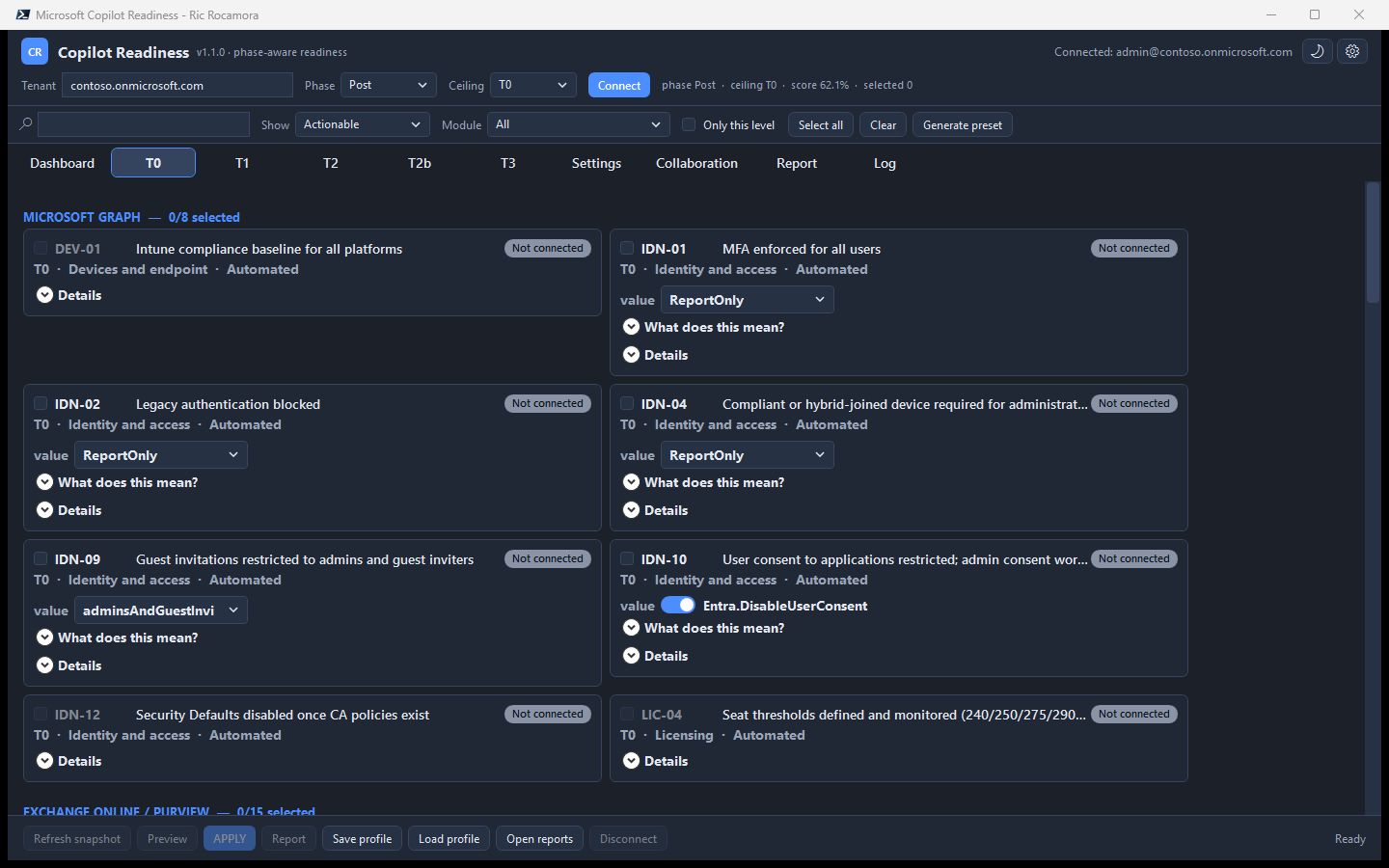
From question to fixed setting in one screen.
The console doesn't just grade you. Each failing control carries the remediation workflow — verified admin-center click path, direct deep link, and the PowerShell to apply it. Where a fix can be batched, Apply does it in your session. Where it can't, the report tells a human what to do, in order.
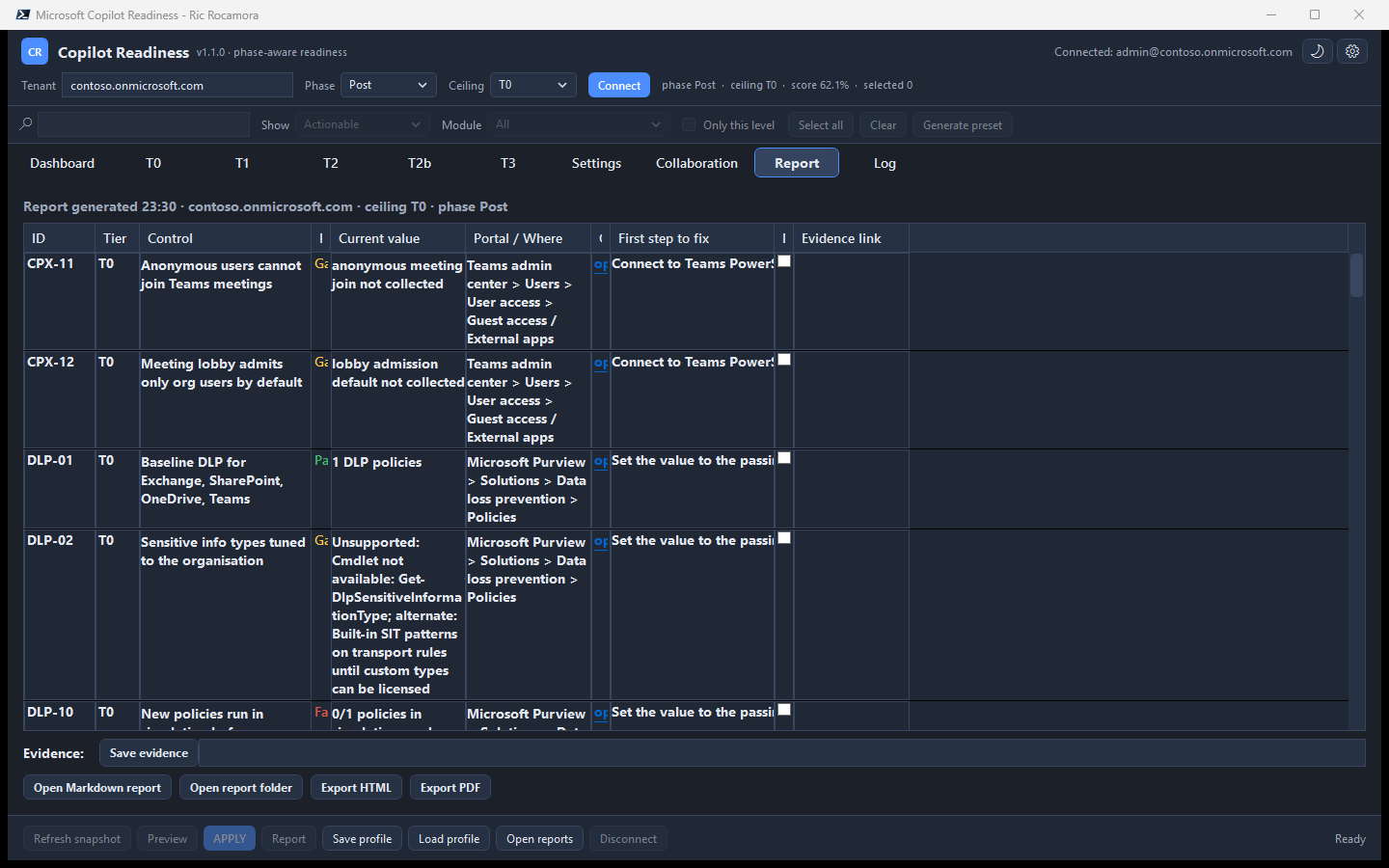
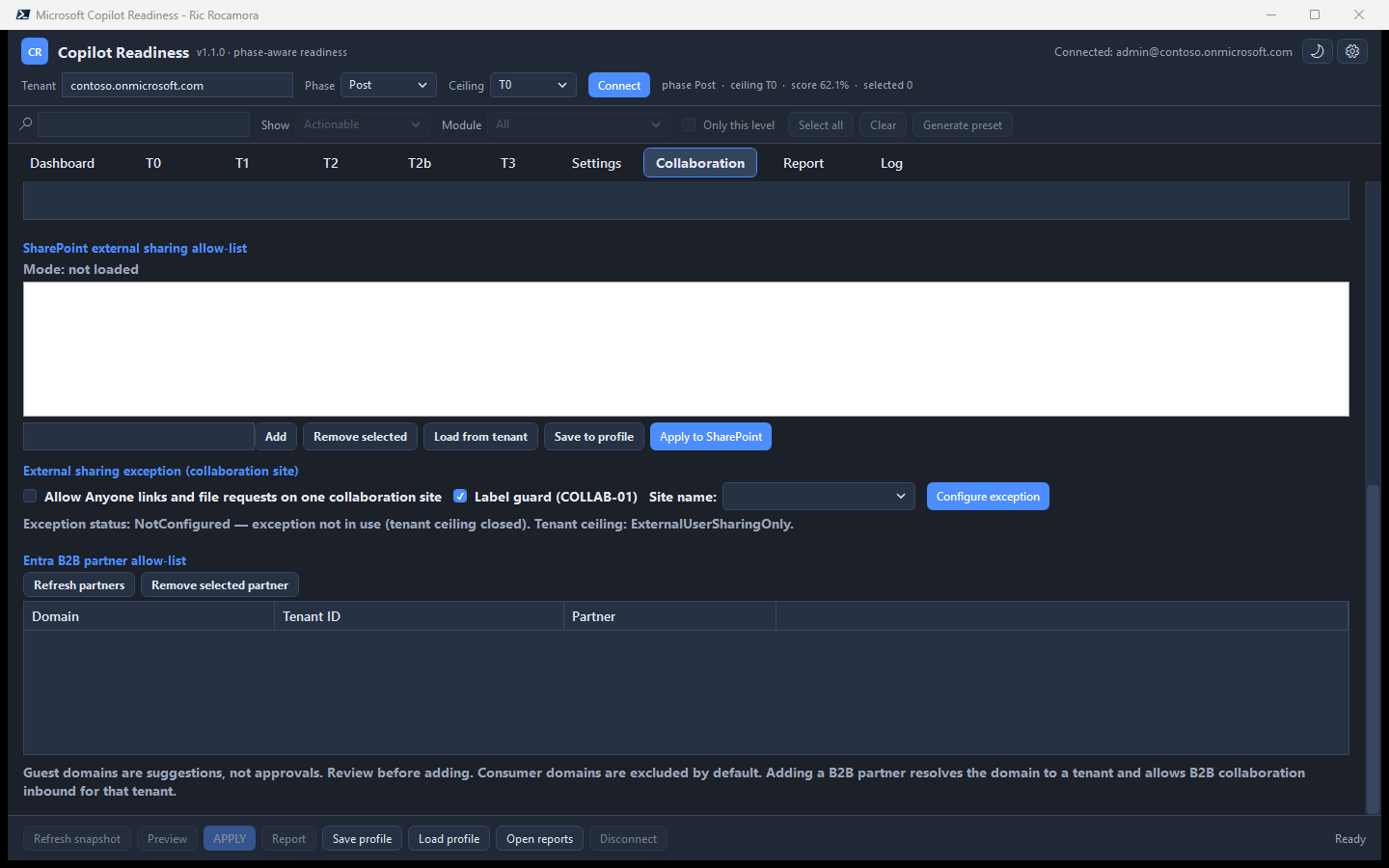
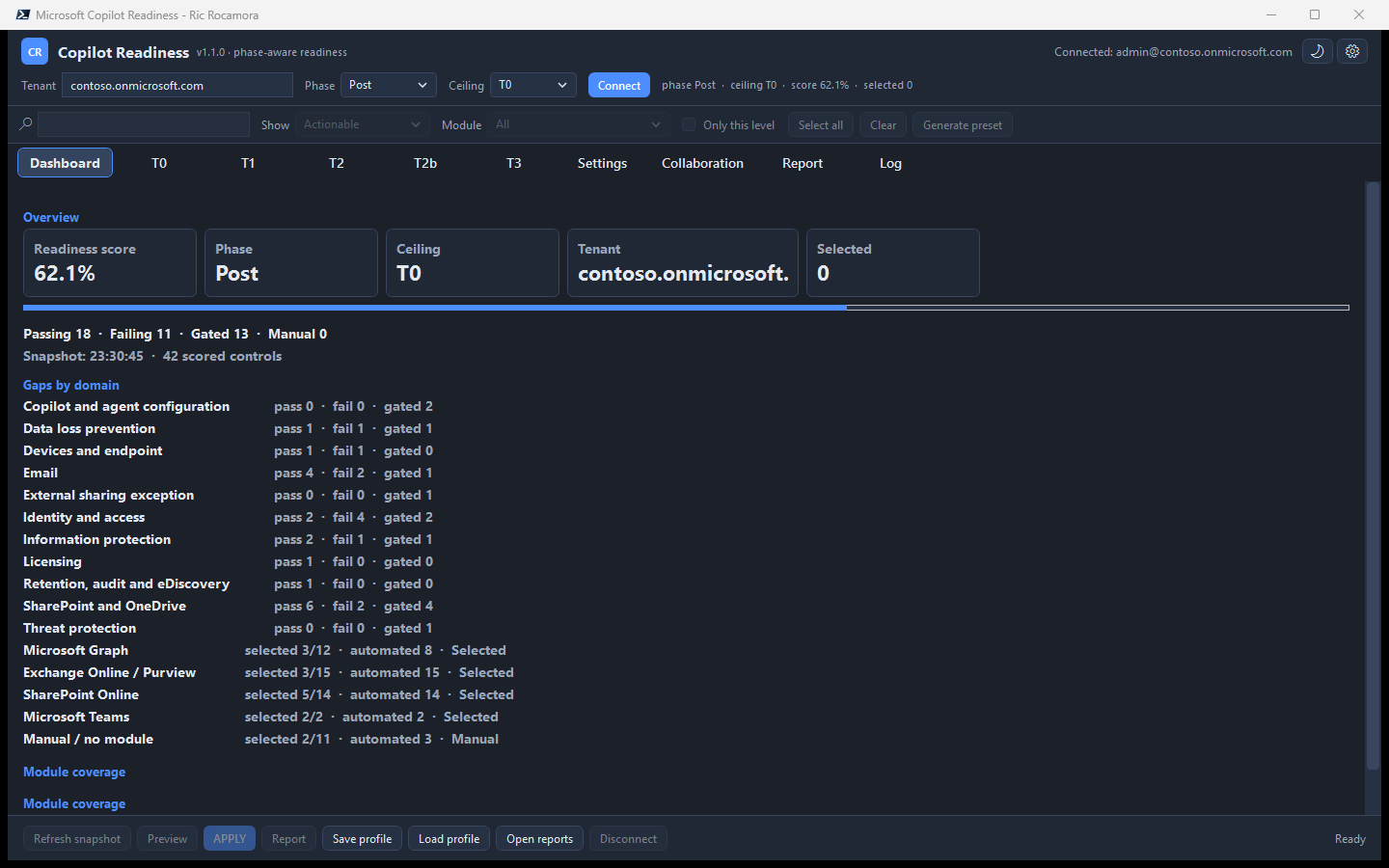
What you walk away with
- One number that means something. A readiness score against your actual licence tier — not a generic checklist — plus per-tier breakdown from the Business Premium baseline to E5 hardening.
- Licence-aware gating. Controls your tenant isn't licensed for (endpoint DLP, Insider Risk, Plan-2 mail features) are marked Gated with the reason and an interim control that keeps you protected today.
- 59 authored fix workflows. Portal path, deep link, PowerShell, and the observable pass condition for each — reviewed against Microsoft's current documentation, not guessed.
- Evidence tracking. Mark manual controls done, attach the link or file, and export the whole board as Markdown, HTML or PDF for the steering meeting, the auditor, or the next admin.
- Pre / Post Copilot phases. Harden first, then operate: the same console scores the tenant before licences land and after, with the drift it finds named.
- Persistent connections. Sign in once per workload; sessions stay until you disconnect. No sign-in prompt per action.
Assessment never writes to your tenant. Applies run only the controls you tick, go through a preview plan first, and are logged; a snapshot lets changes be rolled back.
The console is delivered to paid tenants via a license key at installation (one command, updates included). ROCIT clients get their key with the engagement — or run the assessment session with us.
Install to first score in one sitting
Install
One PowerShell command on the admin workstation. The launcher verifies its own checksum before running anything; updates arrive the same way.
Connect
Your tenant, your admin sign-in. Graph, Exchange, SharePoint and Teams each authenticate once and stay connected.
Assess
Snapshot reads the live configuration, detects your licence tier, and scores every control it can prove.
Fix & evidence
Apply what's batchable, work what isn't from the written steps, attach evidence, export the report.
Ready to see your tenant's real Copilot posture?
Bring the assessment to your team, or have ROCIT run it as part of a Copilot readiness engagement — same tool, same report, our analysts translating the gaps into a plan.
Talk to ROCITMicrosoft 365 · Teams · SharePoint · Entra ID · Microsoft Purview — assessed under your own tenant permissions.